
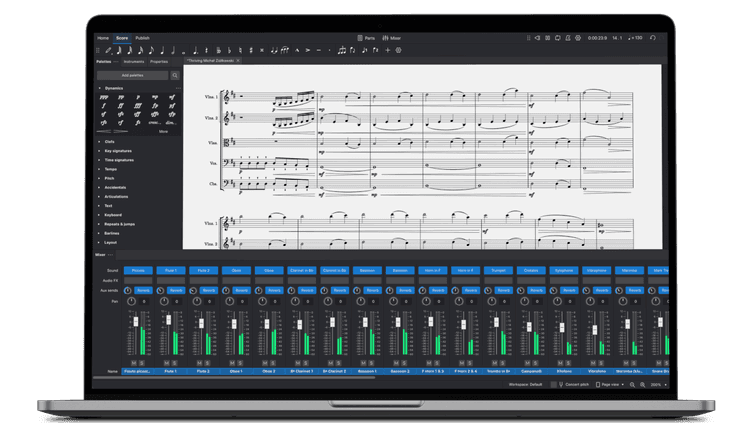
MuseScore Studio 4.6 is more than another point release — it’s a statement that free, community-driven software can offer both expressive performance and publication-quality engraving. In this deep dive I’ll explain the most important new features, what they mean for composers and engravers, and how to adopt 4.6 in your workflow without headaches.
Why 4.6 matters
MuseScore 4's rework of playback, engraving, and UI has been an ongoing process. Version 4.6 signals a maturation phase: the team focused on precision, polish, and features that experienced users have long asked for — from per-instrument staff hiding to finer chord-symbol control and improved MIDI performance.
Standout features
Layout & engraving
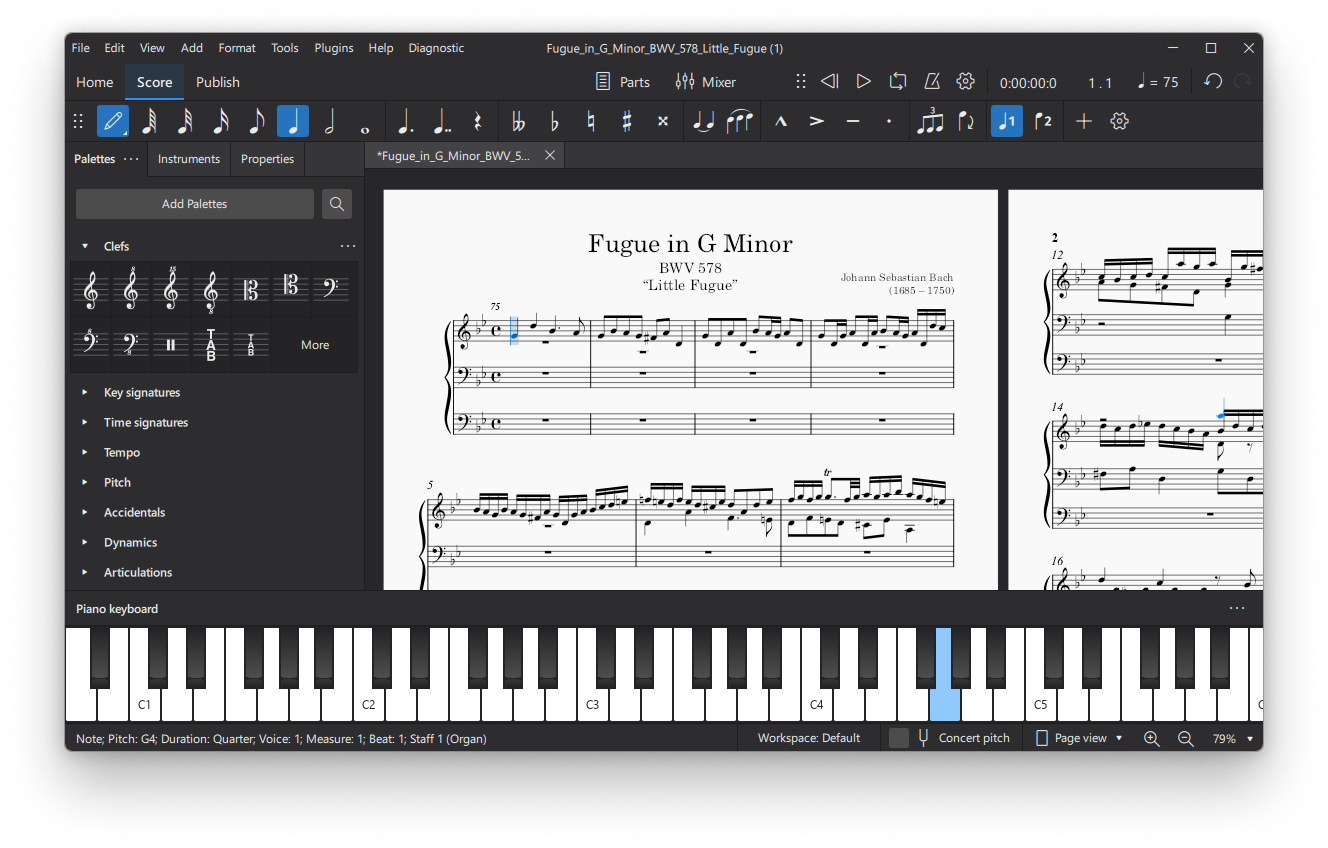
- Hide empty staves — globally or per-instrument, with a handy eye toggle at the top of the system.
- Measure numbers & system markings can now be placed below the bottom staff — ideal for film and band parts.
- SMuFL font support and new tablature-number font settings, giving you control over the typographic voice of your score.
- Repeat-play-count text above end-repeat barlines for complex repeats.
Playback & performance
- Expressive real-time MIDI input — note lengths and dynamics react to your playing; sustain pedal support brings a pianistic feel.
- Count-in returns — useful for recording and live playback.
- VST3 on Linux — a major parity improvement for Linux users and plugin workflows.
Guitar, PVG, and MuseSounds
MuseScore’s work with Hal Leonard for PVG notation shows in practical additions: auto-filled fretboard diagrams, a new fretboard legend frame, and much tighter chord symbol control (scale, alignment, parenthesis and stacking). Guitarists get real notation for hammer-ons (H), pull-offs (P), and left/right-hand tapping — and playback support when using MuseSounds Guitars Vol. 2.
Two new MuseSounds libraries — euphonium (sampled by Ebb & Flow Audio) and a new handbell collection — ship via MuseHub and expand MuseScore’s sonic palette for realistic mockups and demos.
Workflow improvements that actually save time
- Selection filter: isolate individual notes within chords to extract lines or move voices.
- Alt/Option paste: paste a copied range while preserving its original metrical position.
- Inline text styling: fast access to bold/italic and special characters without modal dialogs.
- Percussion panel columns: fit more pads on screen by increasing columns per instrument.
Accessibility & community
Screen-reader announcements are more detailed when switching to note-input or making changes, and a new shortcut stops playback and selects the last played note — a tiny but powerful addition for those who edit by ear. As always, the release notes and community forums (musescore.org and Discord) remain central to testing and stabilizing new features.
Strengths & caveats
4.6’s strengths are clear: better engraving controls, smoother performance input, and a steady march toward professional publishing features — all available in a free, community-backed package.
However, there are caveats: some point-release regressions and backwards compatibility issues appear in forum threads. As a best practice, test important projects on a copy before switching your main workflow to 4.6.
How to adopt 4.6 safely
- Start new projects in 4.6 and avoid editing critical legacy scores until you confirm compatibility.
- Tweak horizontal spacing early (Style → Spacing → Horizontal Spacing → System Density).
- Use hide-empty staves responsibly — set sensible defaults and preview printed parts.
- Report bugs to the MuseScore issue tracker and forum so regressions can be fixed quickly.
Where MuseScore might go next
Planned or plausible directions include playback for polychords, deeper micro-typographic controls, AI-assisted composition/engraving features, and continued convergence of features across platforms.
Conclusion
For a free application, MuseScore Studio 4.6 punches well above its weight. The release demonstrates a mature approach: refine the fundamentals, listen to power users, and add features that matter in production contexts. Whether you’re a composer, choir director, guitar arranger, or engraver, 4.6 gives practical tools that tighten the line between idea and publication-ready score.
Frequently Asked Questions (FAQ)
Is MuseScore Studio 4.6 free?
Yes. MuseScore Studio 4.6 remains completely free and open source. Optional MuseSounds libraries and MuseHub integration are also free to use.
Can I install MuseScore 4.6 alongside older versions?
Yes, but it’s best to back up your scores first. You can install 4.6 separately and open copies of your older scores to test compatibility.
Does MuseScore 4.6 support VST plugins?
Yes, it supports VST3 plugins on Windows, macOS, and now Linux — providing greater flexibility in playback and sound design.
What are MuseSounds, and how do I get them?
MuseSounds are high-quality, orchestral and band instrument libraries created for realistic playback. You can download them via MuseHub for free.
How can I learn more about using MuseScore 4.6?
Visit the official MuseScore Handbook or join the community forums and Discord to get tips, tutorials, and user support.